Devices
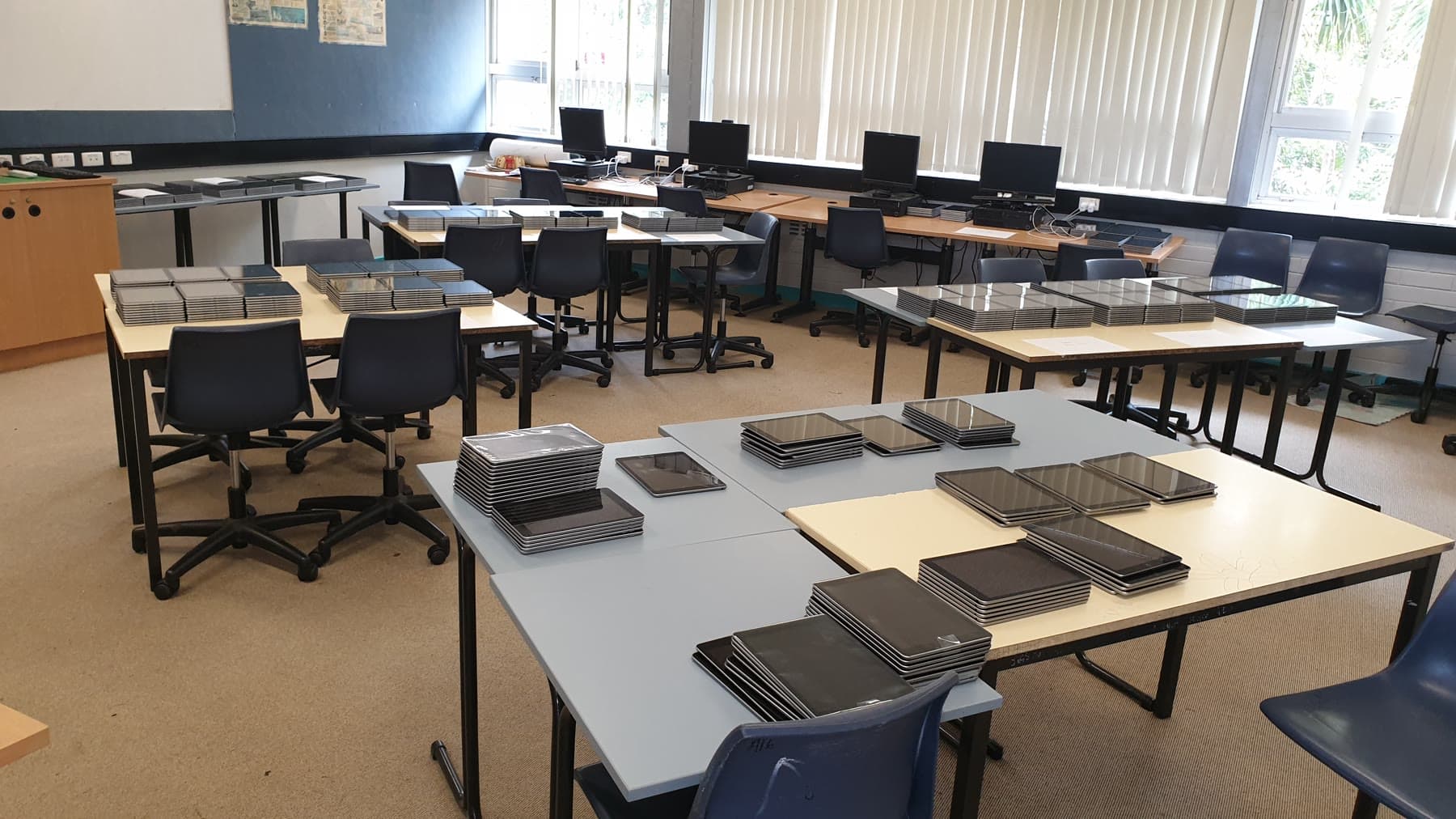
Approximately 650 iPads, hundreds of computers and laptops, carts, charging and deployment.
01Infrastructure · learning platforms · leadership
The problem
A school’s technology only works when devices, rooms, platforms, staff practice and recovery plans work together. The task was never a single repair; it was building a dependable environment around teaching.
Computing and Technology Teacher, Computer Coordinator, platform administrator, staff trainer and later Head Teacher Technology.
What the job actually became
Technology worked only when rooms, devices, software, people and recovery plans worked together. Over more than a decade, I kept moving between all seven layers.
Approximately 650 iPads, hundreds of computers and laptops, carts, charging and deployment.
Computer laboratories, flexible layouts, projectors, displays, speakers and specialist spaces.
BookIt, RAP, Moodle, Sentral, the staff intranet, executive documents and the media server.
Weekly staff learning, daily support, documentation and a student technical crew.
Software, robotics, CAD, 3D printing, electronics, multimedia and project-based courses.
Websites, newsletters, school photography, video, drone capture and event production.
Remote learning, server recovery, flood rebuilding and dependable day-to-day operation.
Start with the physical reality
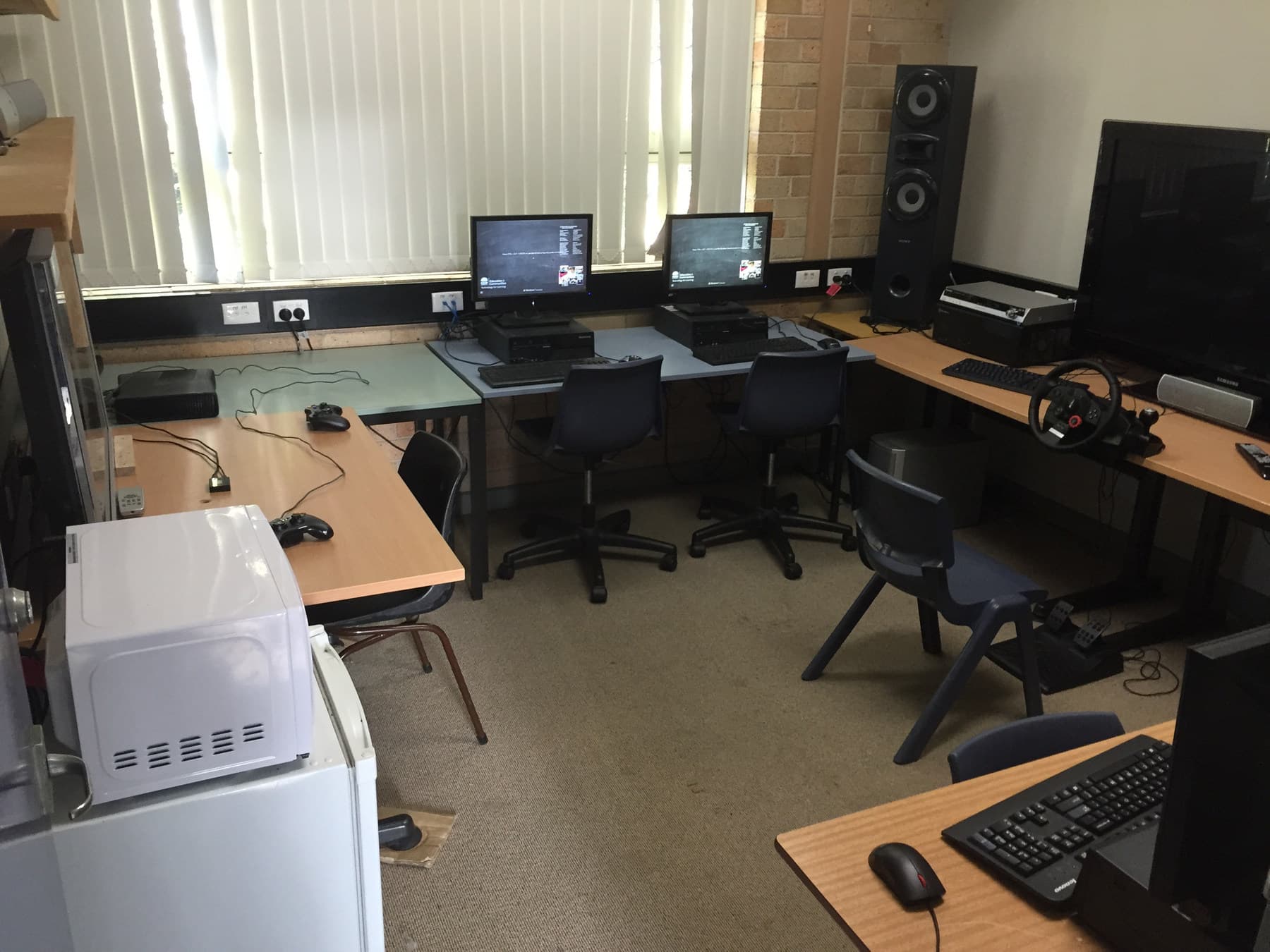
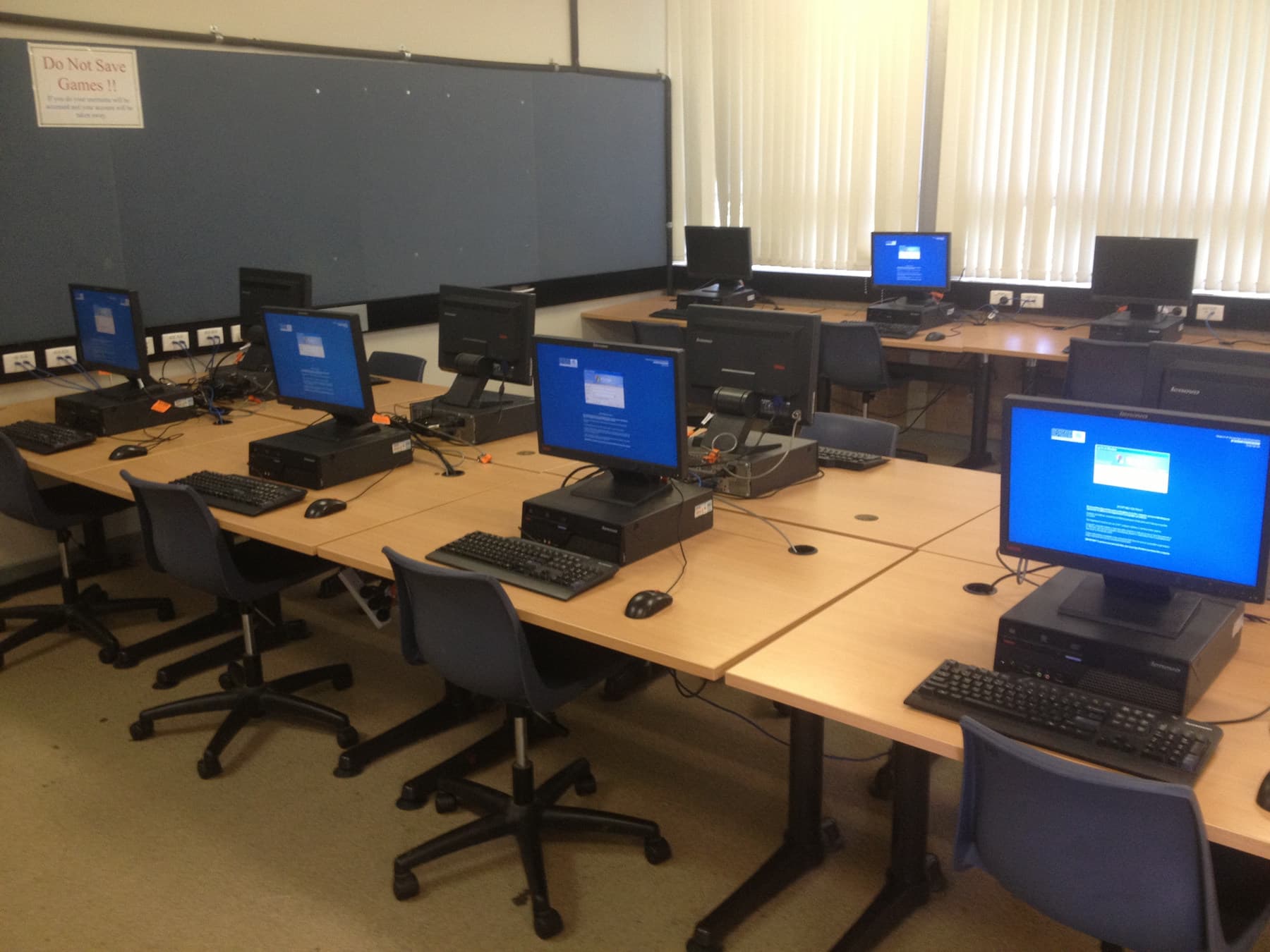
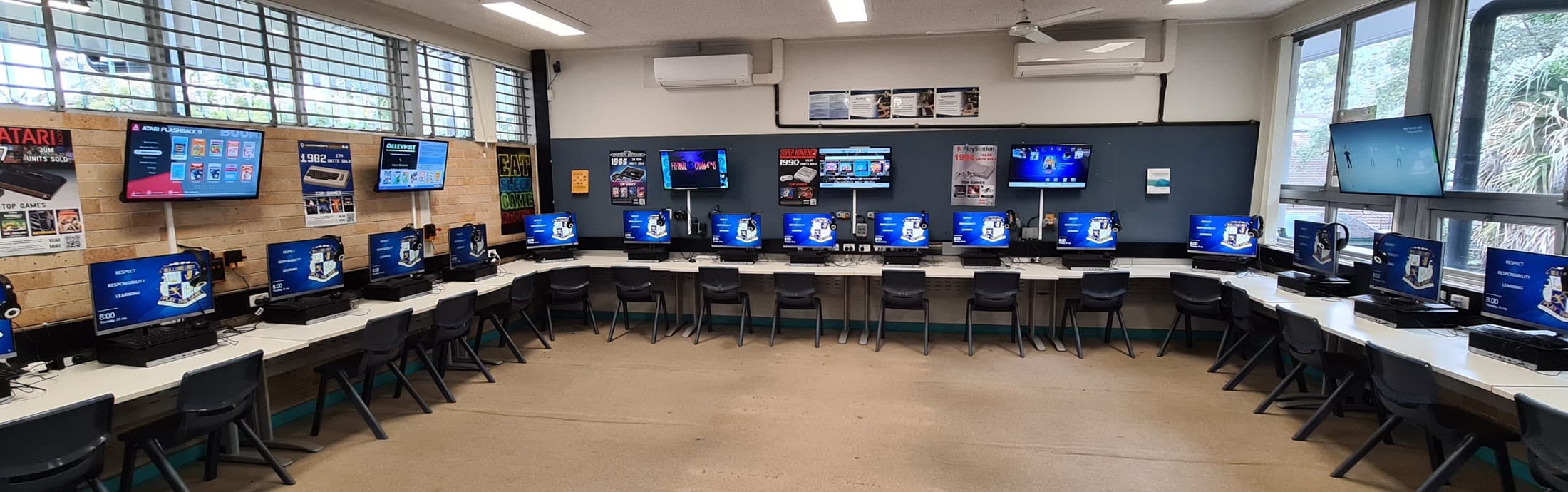
I planned layouts, found or purchased furniture, reclaimed hardware, imaged machines, ran cabling and built flexible spaces for classes, media work, robotics and lunchtime projects.
The scale under the surface
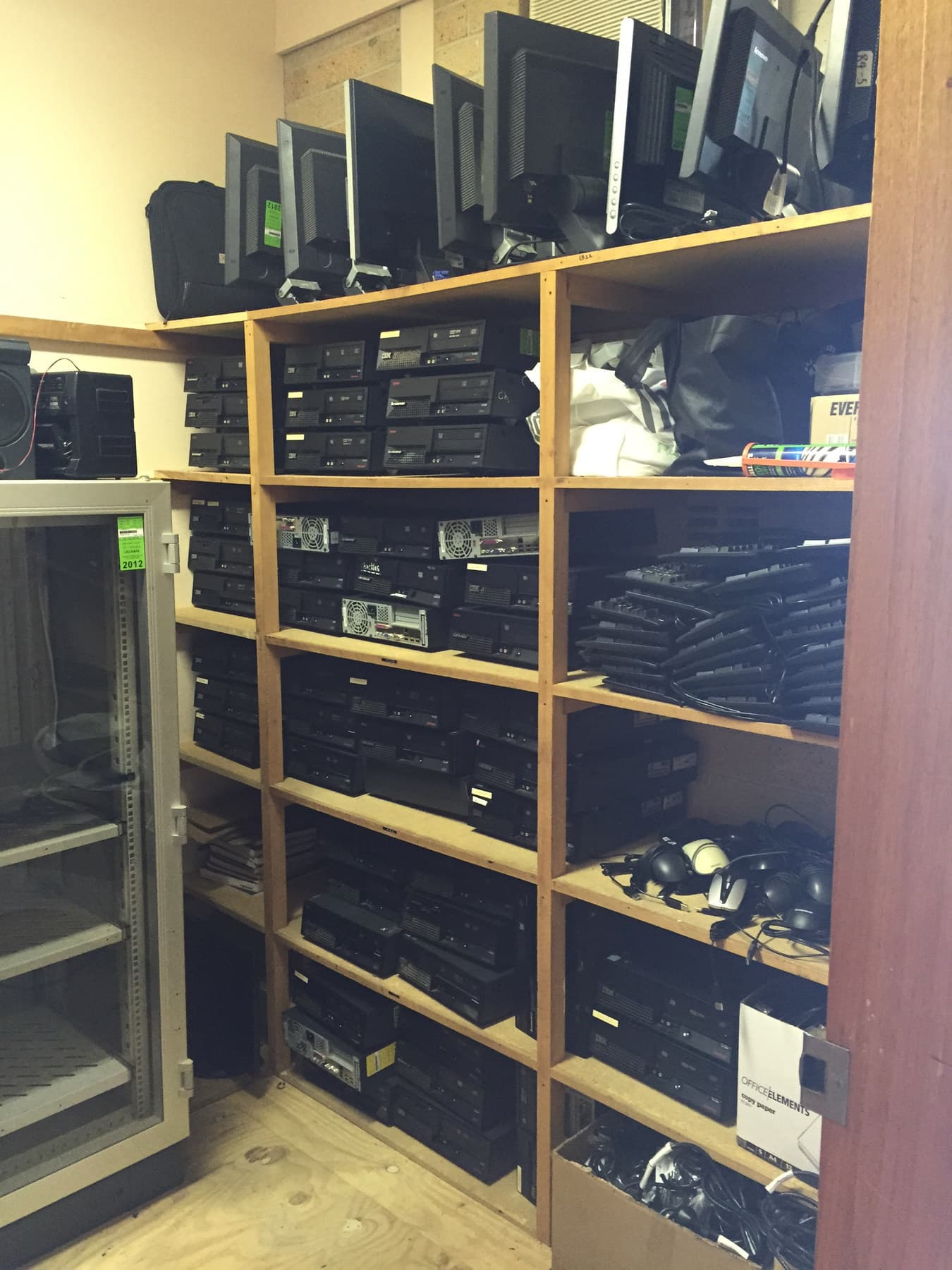
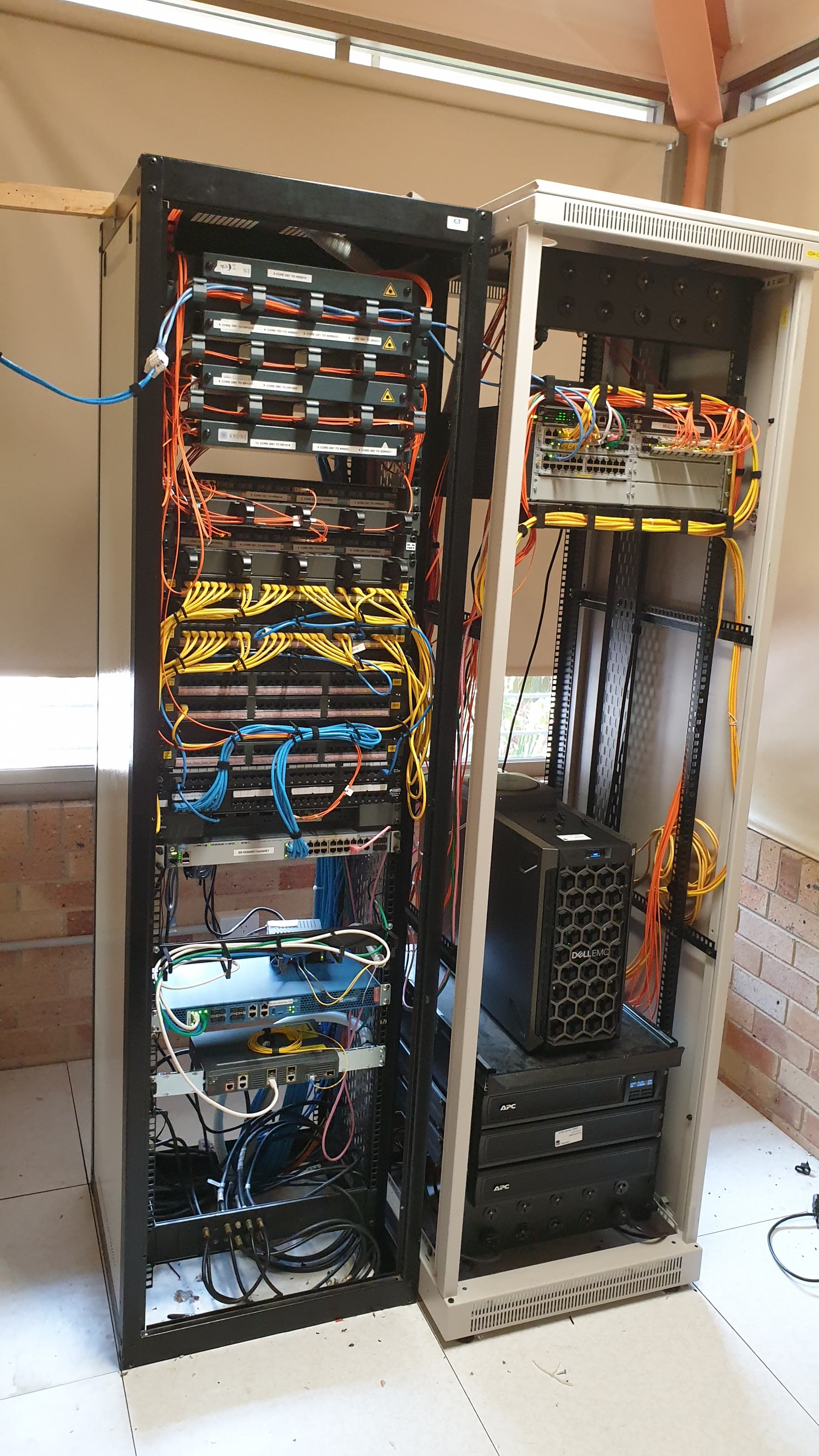
The visible classroom was only the last metre of the system. Devices had to be staged, networks had to carry them, and small physical problems still needed practical fixes.
The school had to communicate, too
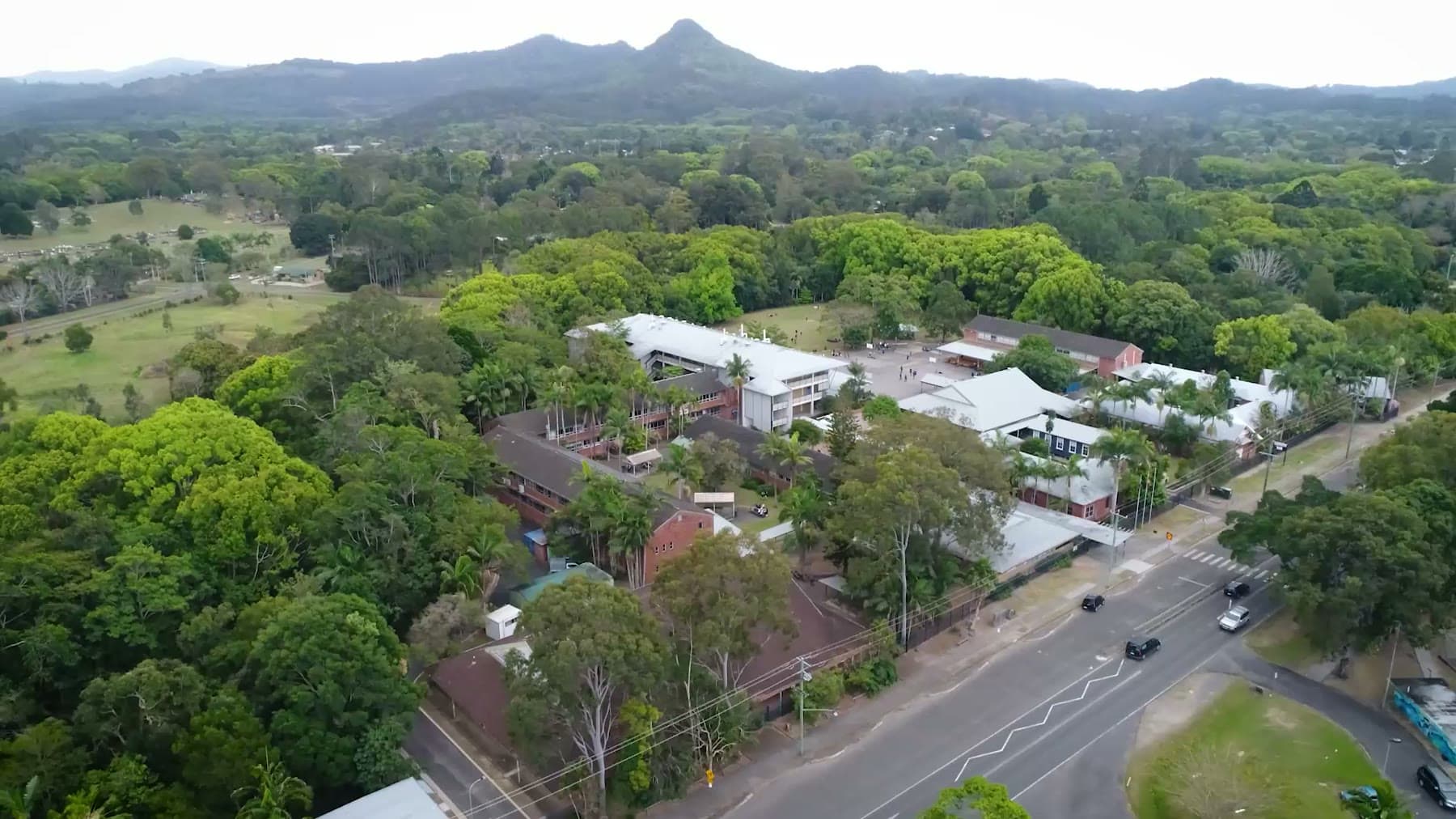
I filmed and edited the school website banner, redesigned and maintained the website, built the staff intranet, produced newsletters and digital signage, and regularly shot photography, video and drone material for school communication and events.
≈650iPads onboarded and managed, based on the retained role record
≈3×growth in devices regularly used in classes during the documented 2018 intervention
4–5hto rebuild, restore and reconnect the failed media server
5–10student technology issues handled on a typical day in the workload record
When the missing piece was software
I built BookIt as a functional C# room and resource booking application; the surviving archive does not independently establish how widely it was deployed. RAP was a much broader whole-school system: a web application, imported data, reporting through Sentral, staff training, procedures and visual communication. The public reconstructions below use entirely synthetic data.
Common scoring → reflection → long-term averages → trend reporting
Make the difficult thing tangible
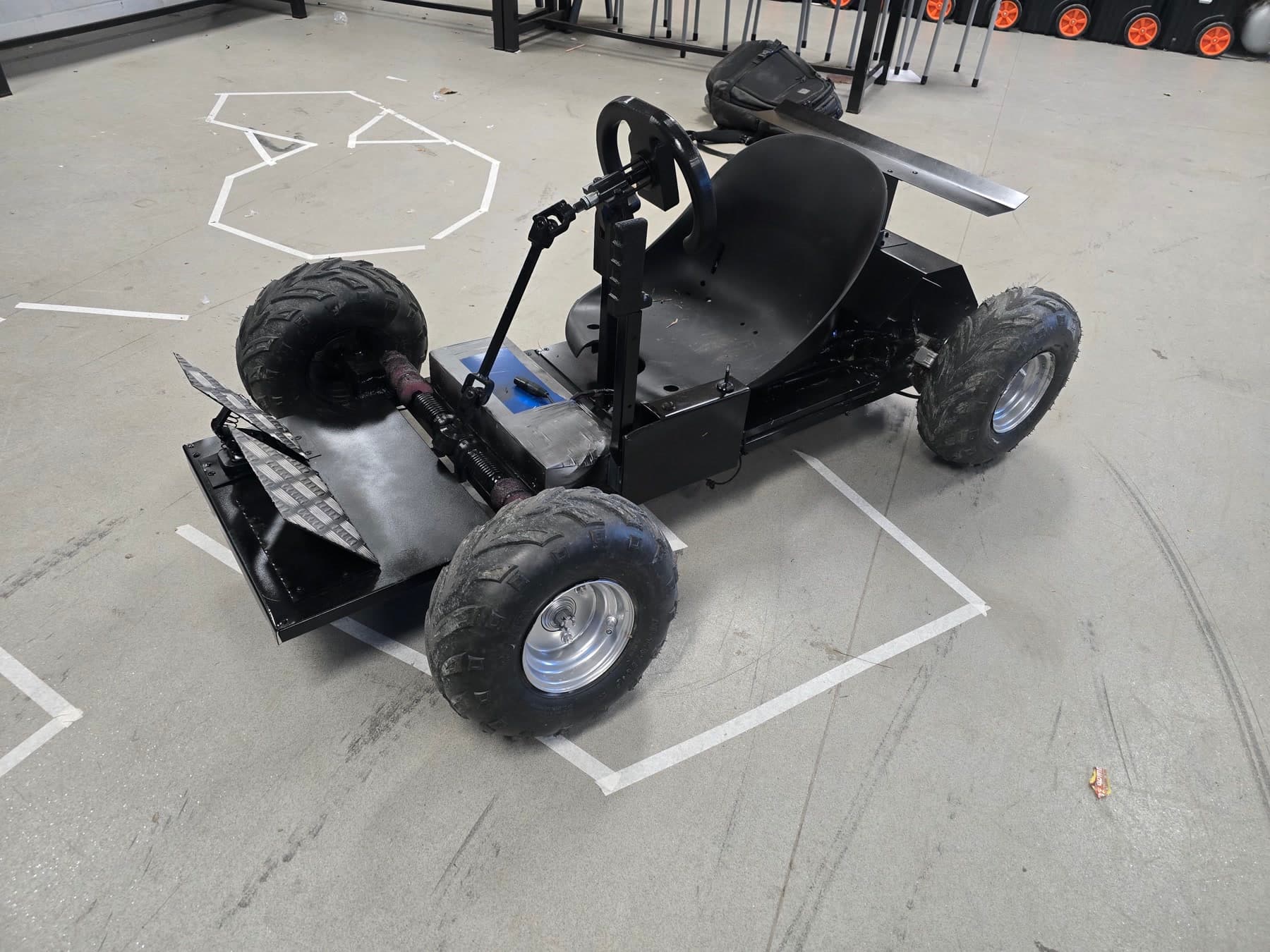
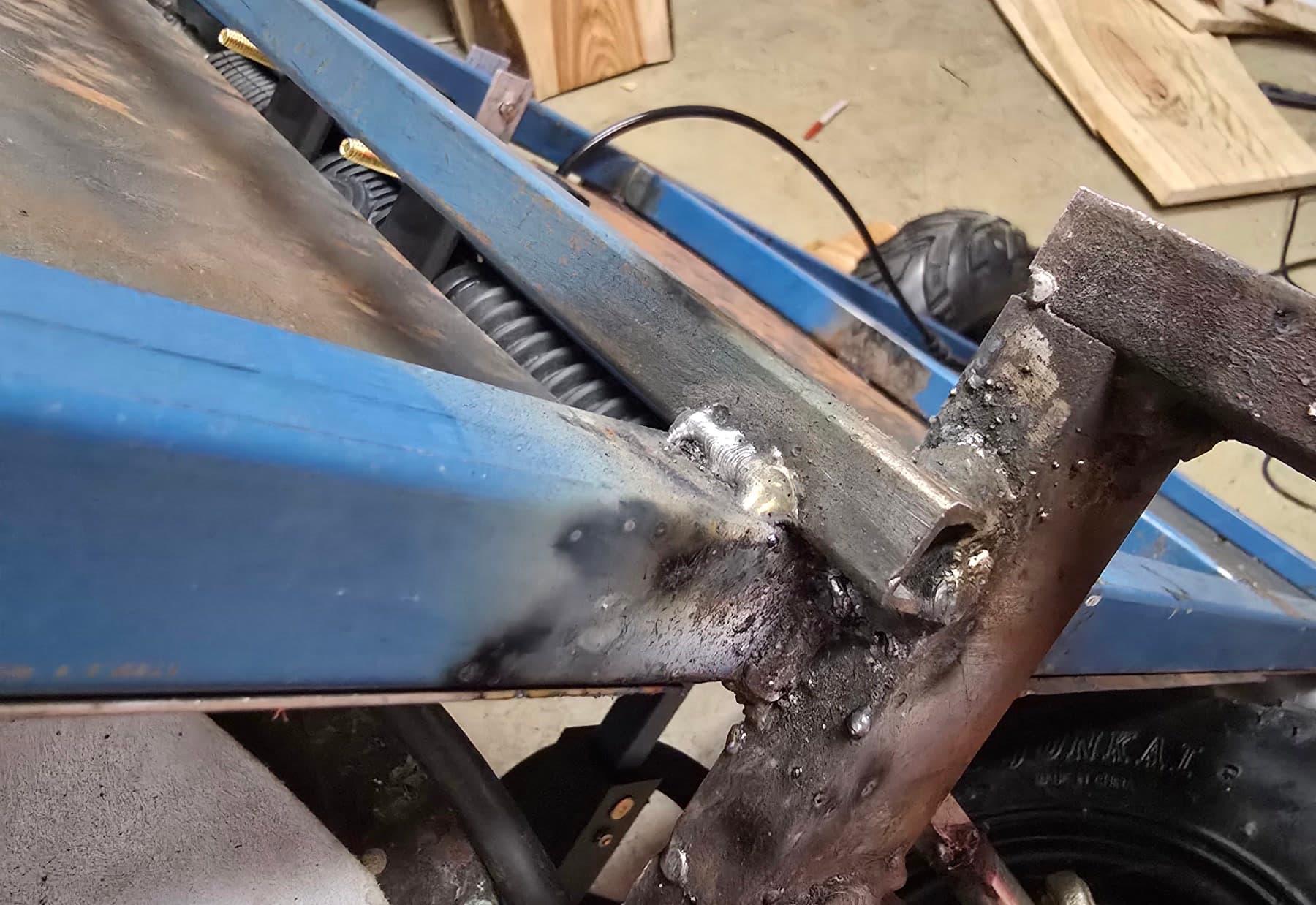
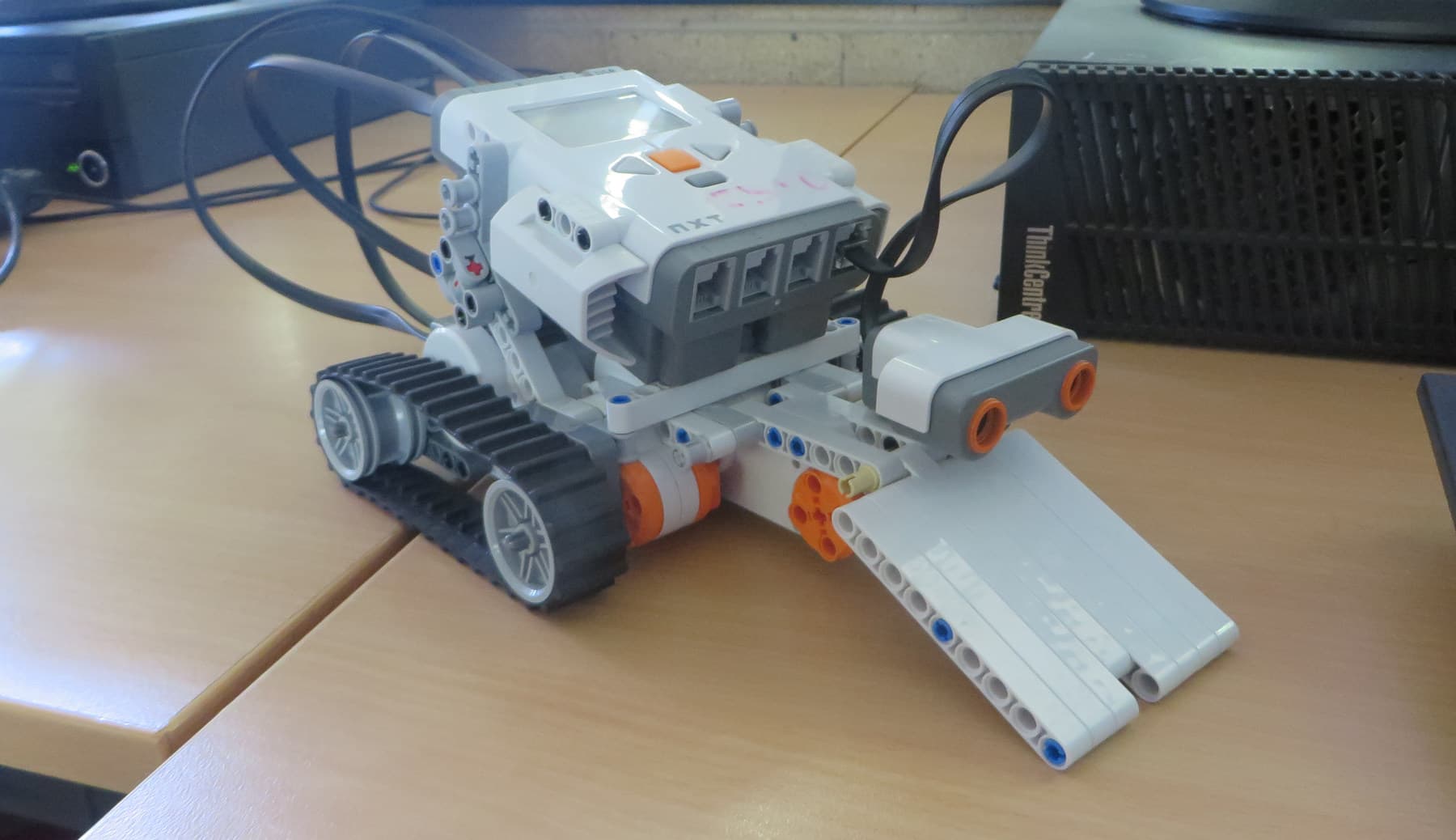
I ran robotics with Lego and custom electronics, taught CAD and 3D printing, and mentored students through a custom go-kart from a blank page to a working machine. For that build we researched, drew, modelled, welded, printed, tested and revised—not from a purchased plan, but from the problem itself.
The real test
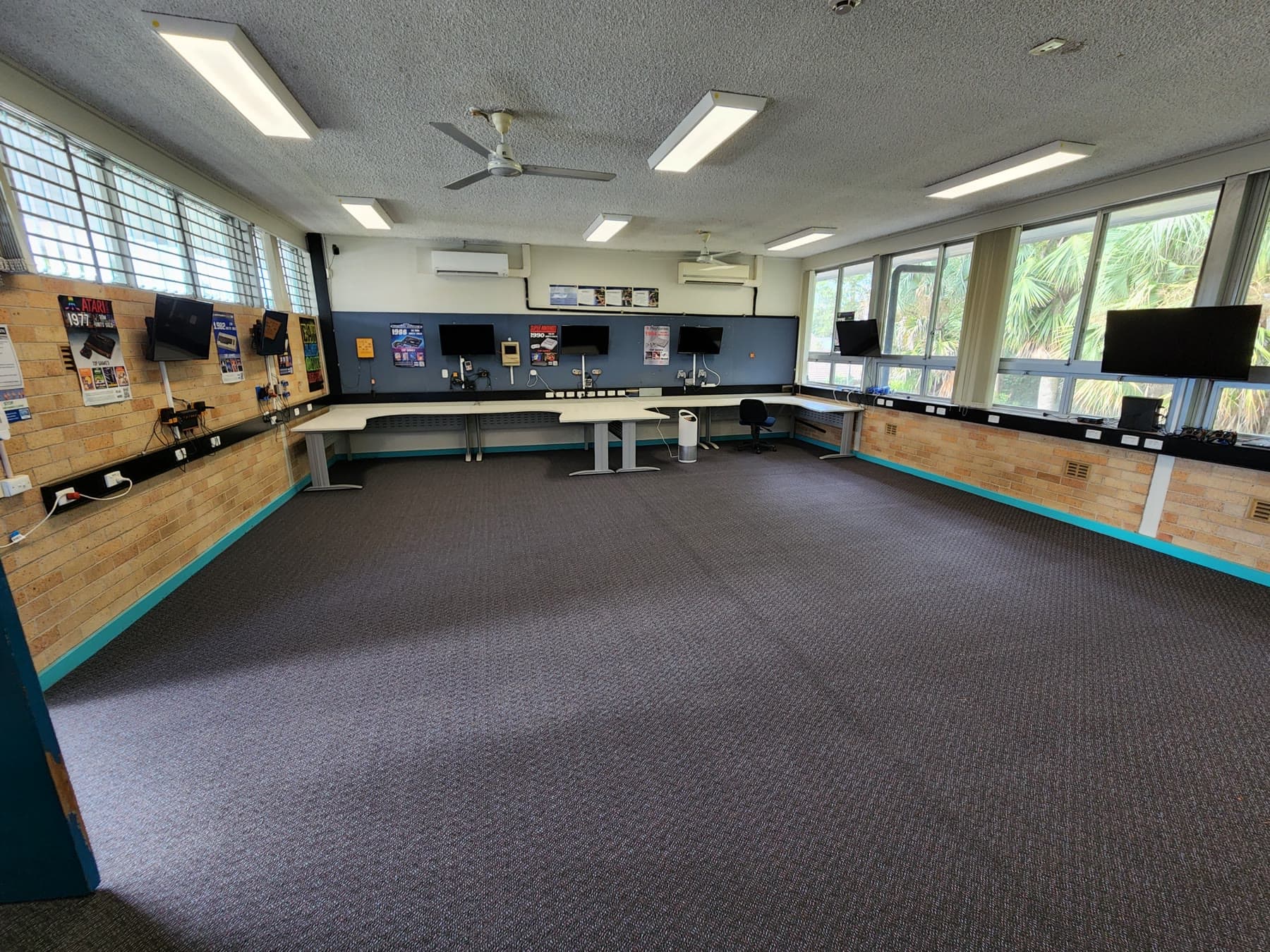
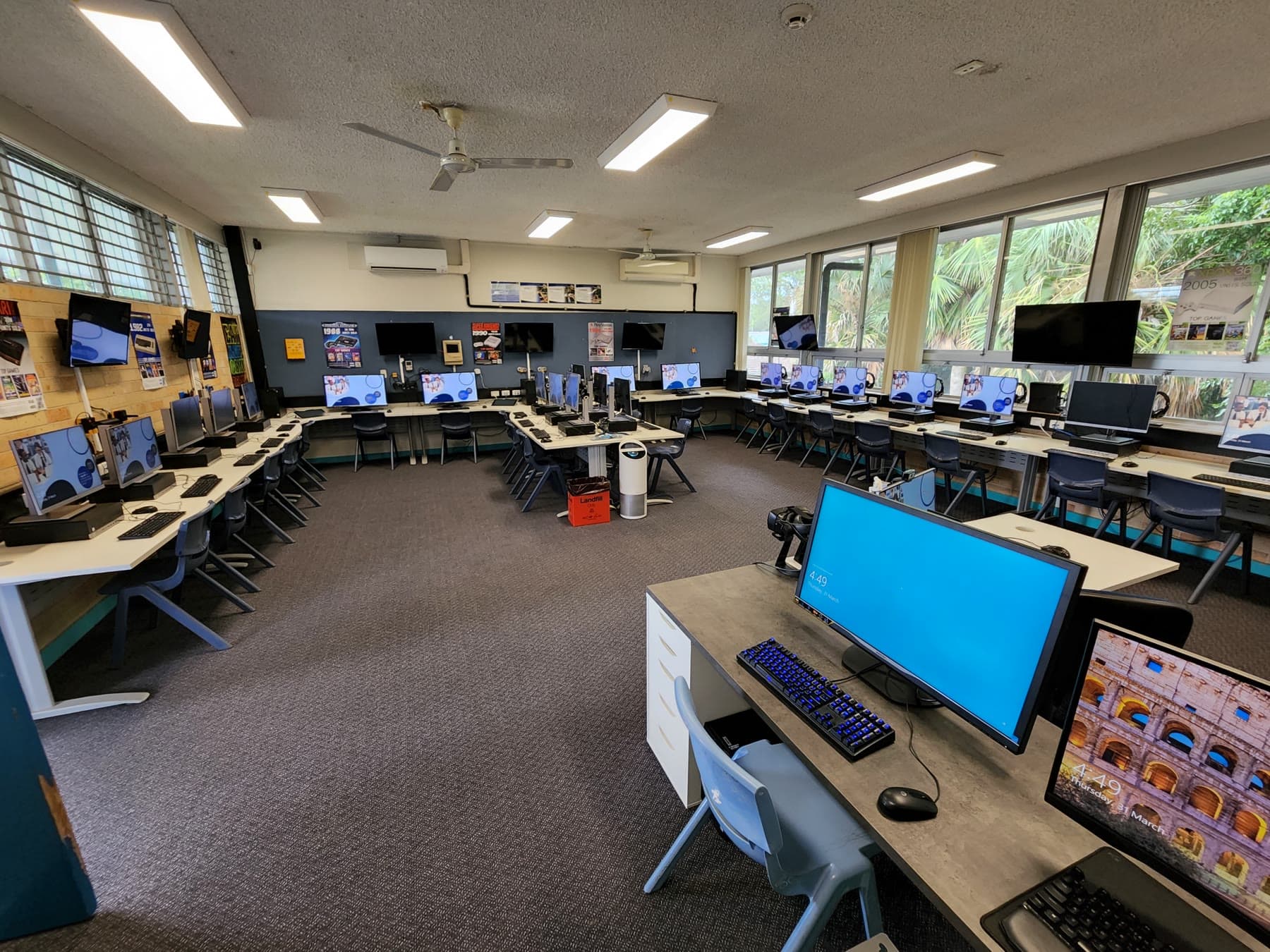
Rebuilt the media server, restored the backup and repaired its links to the intranet and Sentral in four to five hours.
Built guidance and workflows, trained staff and supported students and families through learning from home.
I helped rebuild operational technology spaces while the school was also moving through a major infrastructure upgrade. The dated sequence above records one room returning to service in six days.
Constraints
What I built
Systems were made for real staff behaviour: fast to access, easy to explain and supportable between lessons.
Professional learning and clear workflows sat beside the technical fix so teachers could keep moving without a specialist in the room.
During disruption, priority went to the smallest dependable set of tools that could reconnect staff and students.
Measurable proof
iPads onboarded and managed, based on the retained role record
growth in devices regularly used in class during the 2018 intervention
to rebuild and reconnect the failed media server
2018 leadership scholarship
Primary record ↗2019 SDD class average, above the 73.8 state average
Primary record ↗The completed A12 environment: a full ring of workstations, wall displays, signage and room-scale planning.
David Steedman school technology photo archive; metadata-free public export · publicDozens of iPads staged together during fleet deployment—one visible part of an approximately 650-device environment.
David Steedman school technology photo archive; metadata-free public export · publicFibre, switching, server and power infrastructure behind the classroom endpoints.
David Steedman school technology photo archive; metadata-free public export · public25 March 2022: the restored room ready for replacement devices after flood loss.
David Steedman school flood-recovery photo archive; metadata-free public export · public31 March 2022: the same room six days later, returned to service as a working computer environment.
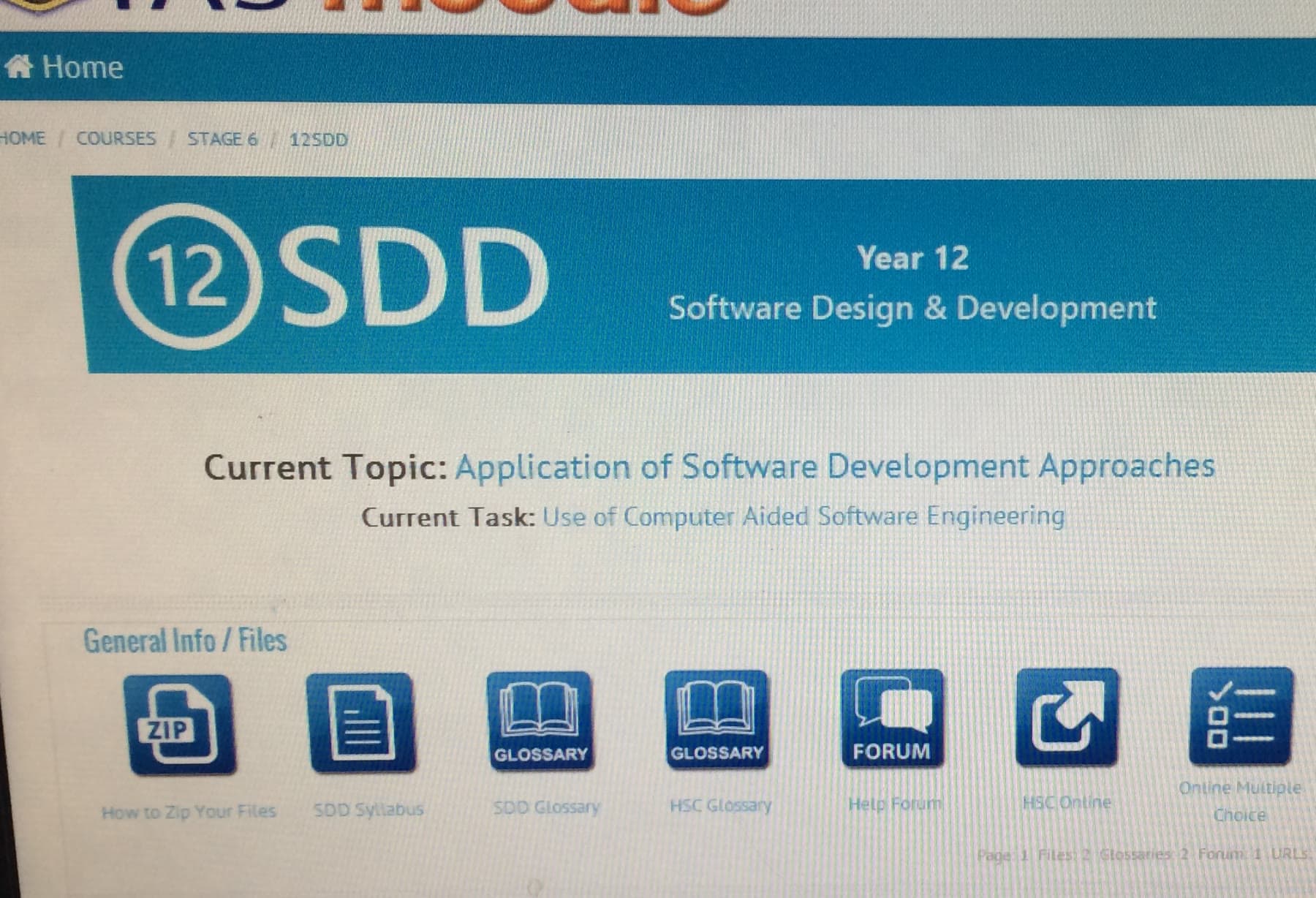
David Steedman school flood-recovery photo archive; metadata-free public export · publicA privacy-safe crop of the self-hosted 2013 Moodle course used to distribute and collect work across David’s computing classes.
David Steedman 2013 school photo archive and retained Moodle backups; browser and administration areas removed · sanitisedOpening aerial from the 72-second school website banner David filmed and edited in 2019.
David Steedman WebsiteBanner production archive; privacy-safe frame from the final 2019 video export · sanitisedPublic record of the 2019 Software Design and Development result.
NSW Department of Education annual report · publicOpen record ↗What the work taught
01The best school technology is almost invisible: people notice that the work can happen.
02A fix is incomplete until somebody else can understand and sustain it.
03Reliable systems are built from relationships, documentation and judgement as much as code.